Triggers & automations
Unattended runs are configured under Settings → Capabilities, on two tabs: Agent Triggers (fire one agent on an event or schedule) and Automations (multi-step pre-configured actions).
This page covers the admin settings surface. For the end-to-end walkthrough (building scheduled and event-based triggers on an agent, webhook sources, run history, and limits), see Agent triggers.
Agent Triggers
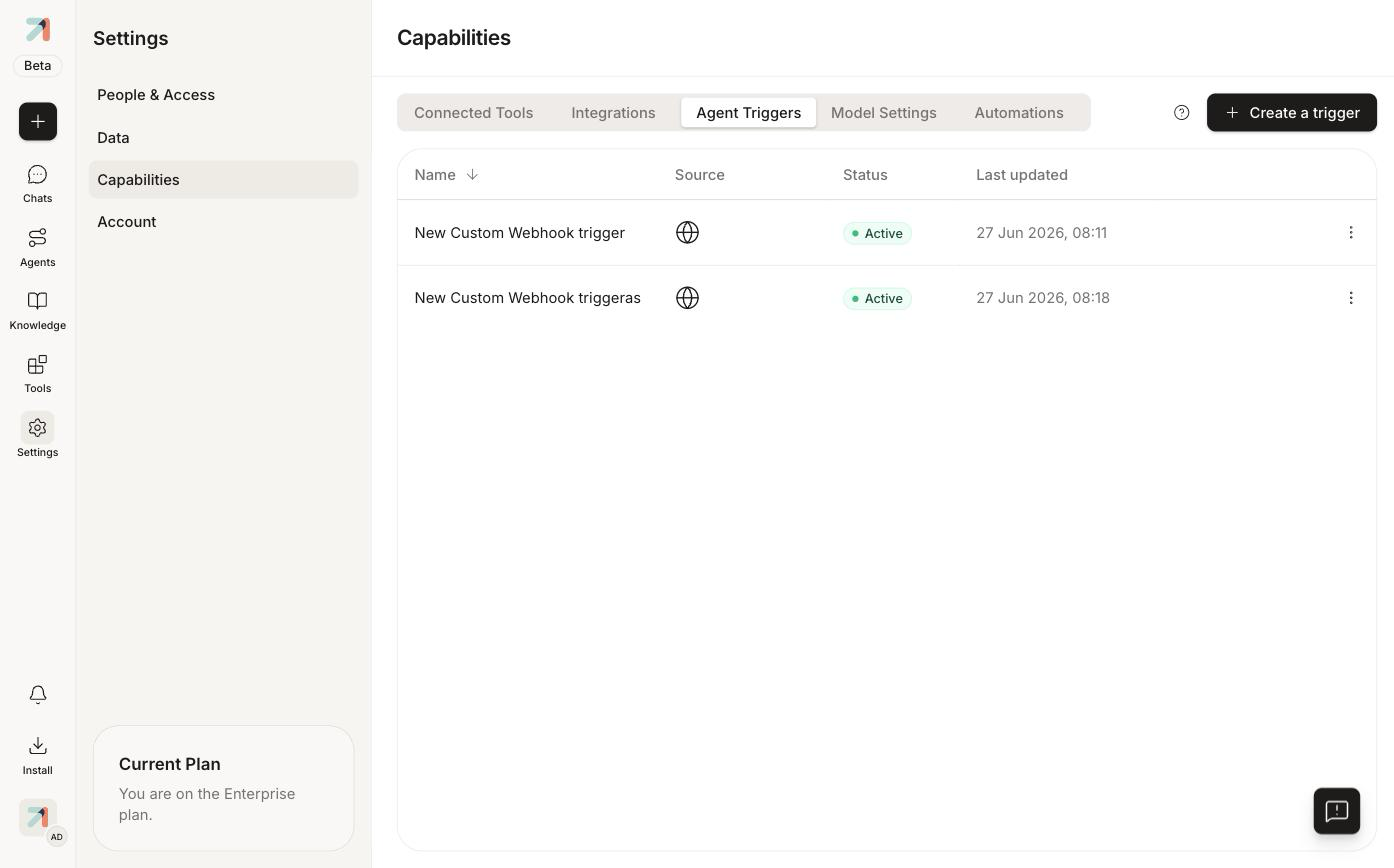
Capabilities → Agent Triggers (/settings/capabilities/agent-triggers) lists every trigger in the org with its Name, Source, Status, and Last updated. Click + Create a trigger to add one.
Automations
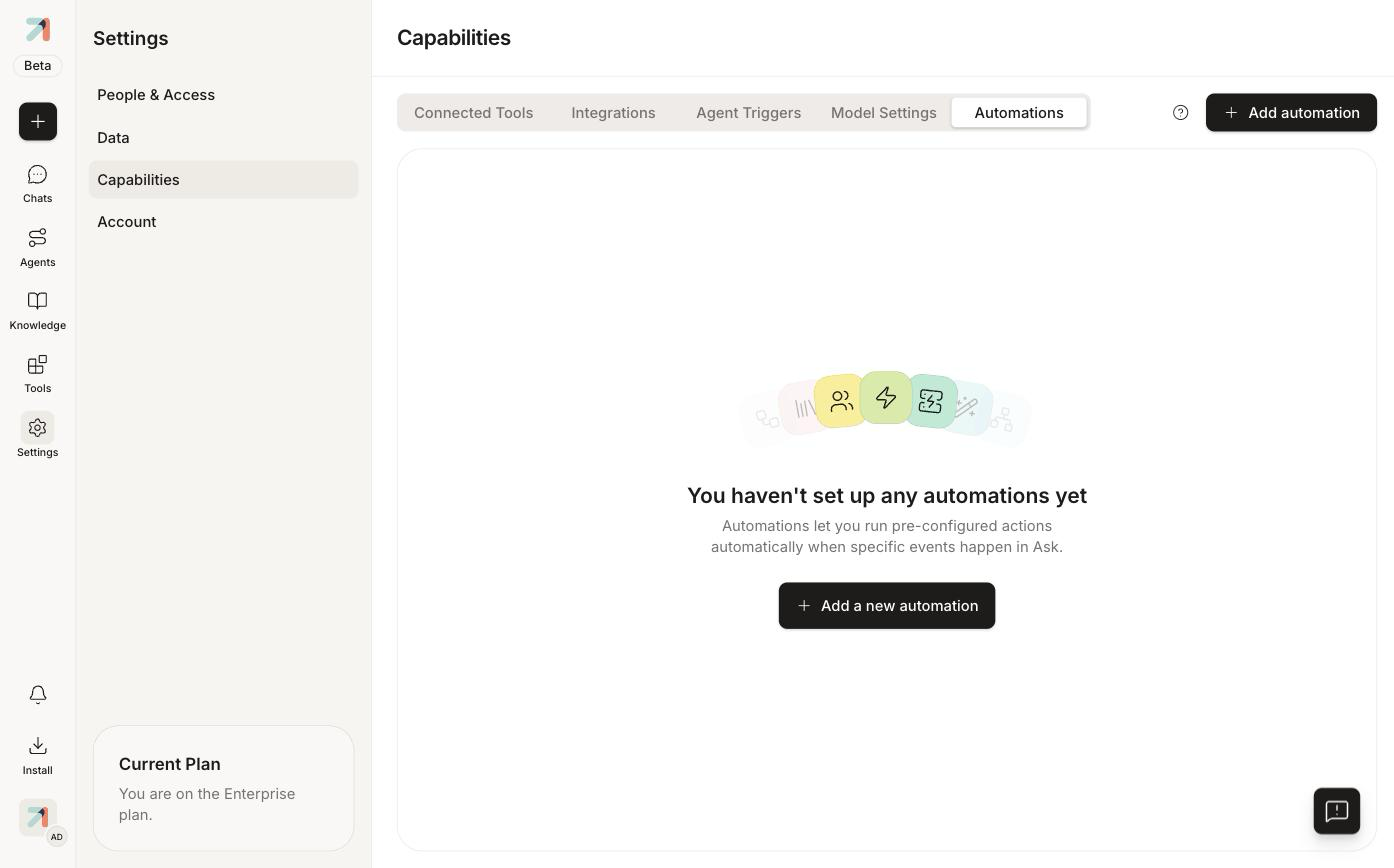
Capabilities → Automations (/settings/capabilities/automations) is for multi-step flows: "Automations let you run pre-configured actions automatically when specific events happen in Ask." Click + Add automation to create one.
Which one do I want?
- Agent Trigger: the unit of work is "run this agent with this input", e.g. a webhook from GitLab kicks off a review agent.
- Automation: the work is a sequence of steps or coordinates several agents, e.g. every weekday at 08:00, summarize yesterday's tickets and post the result to a channel.
The Manage triggers permission (see Roles & permissions) gates both tabs.