Citations & sources
When an agent uses knowledge to answer, it shows its work with inline citations that link each claim back to the exact source it came from.
Citations are what make a knowledge-grounded answer trustworthy: rather than taking the agent’s word for it, you can open the source and check it yourself. The agent decides each turn whether it needs to consult knowledge, so citations appear on the replies where it did.
Before you start
- An agent with at least one knowledge base attached, or a file you’ve attached to your message.
- A reply that actually drew on those sources.
How citations appear
Citations show up inline in the agent’s reply, as small numbered markers beside the claim they support, with the cited sources listed alongside the answer. Each marker ties a specific statement to the specific passage the agent retrieved.
Follow a citation to its source
-
Scan the reply for citation markers. They sit next to the claims they back up.
-
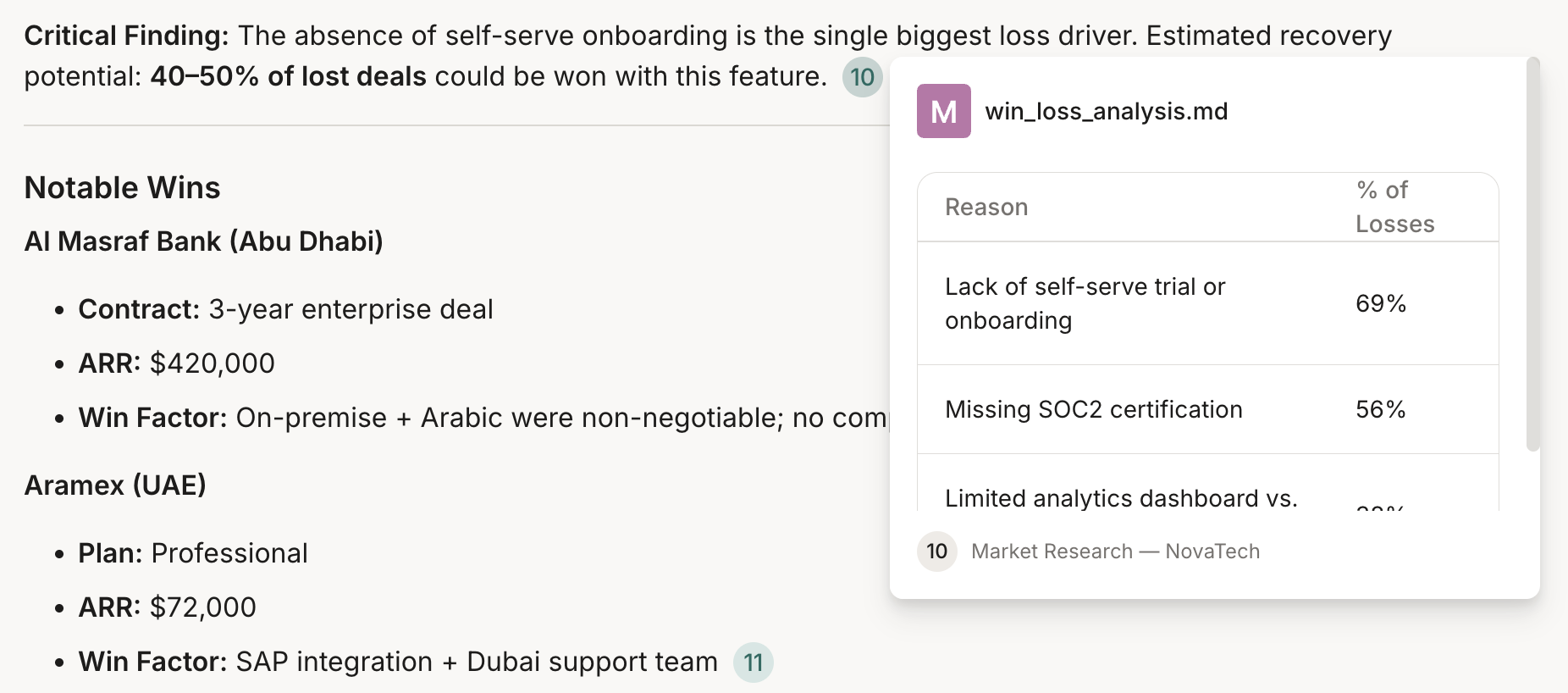
Hover over a marker to preview the source in place: the document’s name, the source it came from, and a snippet of the matching passage.
-
Click a marker to open the panel on the right, on its Sources tab, the same panel that holds the agent’s Thoughts. It opens with the cited source in view.
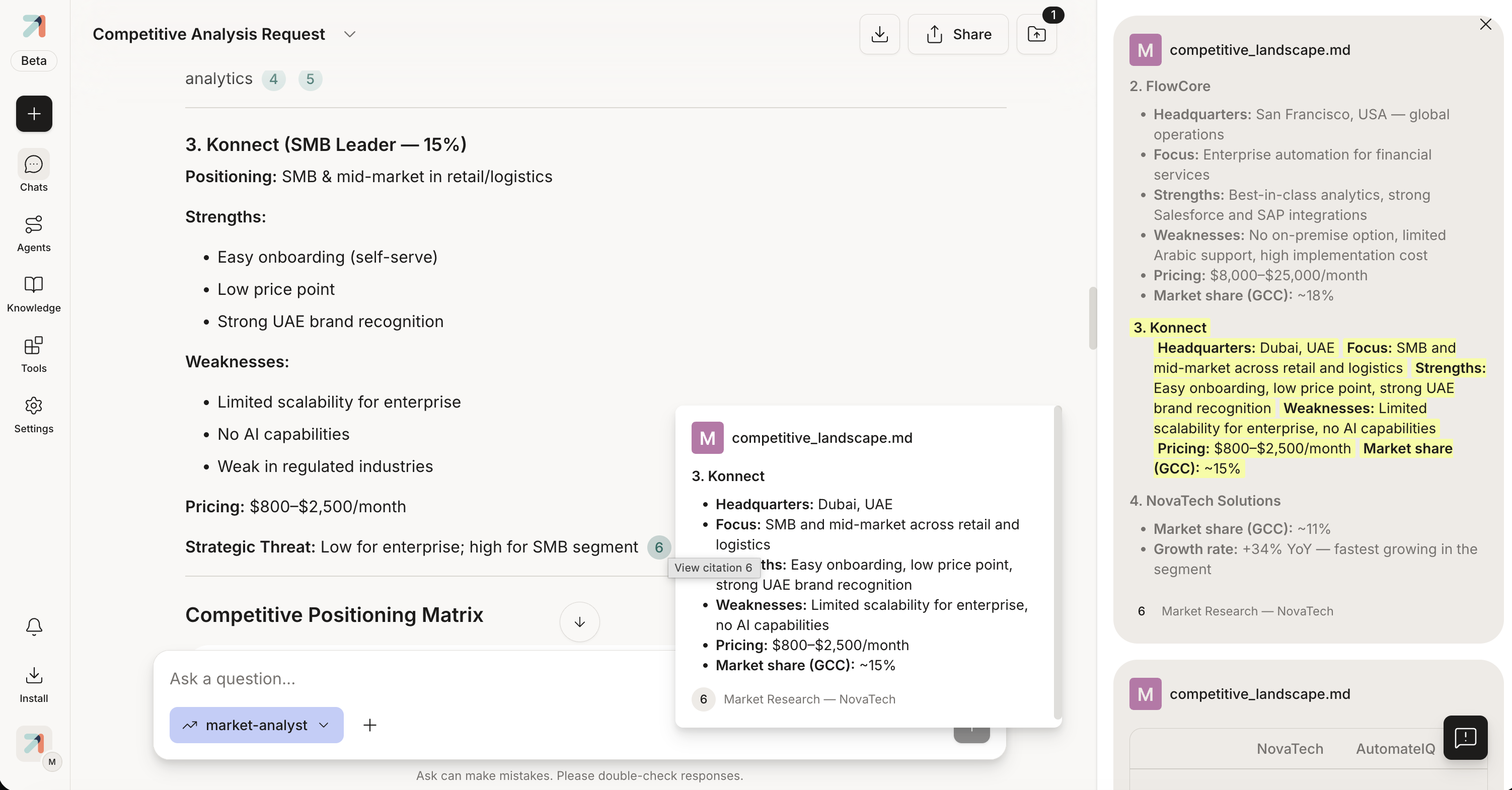
Expanding a citation highlights the cited passage among the text around it. -
Expand a citation to read it in context: Ask pulls in the passages on either side of the cited one and highlights the exact snippet, so you can see how the claim sits in the surrounding text.
-
Need the full picture? Choose Open document to open the whole source in a full-screen document viewer, with print and download controls. Every source the reply drew on is listed in the panel, so you can work through them one by one.
When there are no citations
If the agent answered without consulting knowledge, on a general question that didn’t need your documents, the reply may have none. That’s expected. To steer toward a grounded, cited answer:
- Check that the agent has the right knowledge base attached (see Attach a knowledge base to an agent).
- Ask explicitly for an answer based on your documents, with sources cited.
- Attach the document straight to your message (see Attach files & images).
Tips & gotchas
Always open the cited passage for numbers, dates, and names. The agent’s summary is a shortcut; the source is the record.
A citation shows that the agent used a source, not that the source proves the claim. Spot-check before forwarding a reply onward.